Jellyfin setup
Windows/
Step 1: Download Jellyfin from the official website: https://jellyfin.org/downloads/windows Noting to download the SERVER installer. Step 2: Follow wizard instructions and complete installation. Step 3: Launch Jellyfin.Windows.Tray.exe if the installer does not already launch the service.
Ubuntu/
apt-get update && sudo apt-get upgrade -y && sudo apt-get install curl && curl https://repo.jellyfin.org/install-debuntu.sh | sudo bash
the above commands does the following; updates the system, installs curl, and installs Jellyfin in that location.
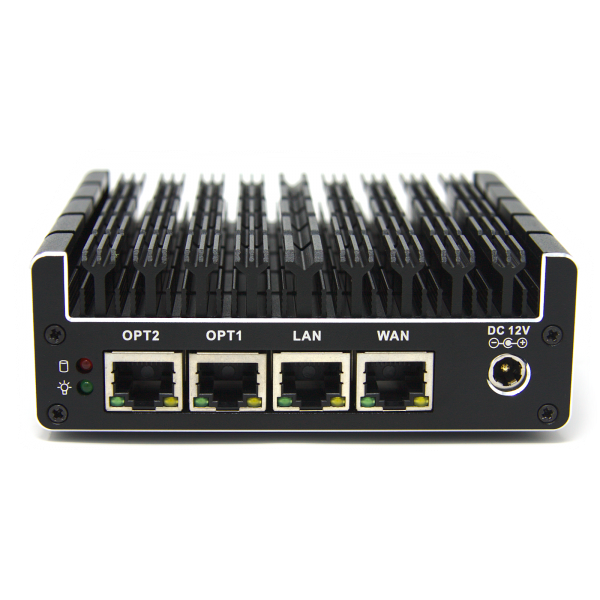 available here:
  cable only having throughput of 100Mbps
(which in all fairness is all I need for now as the fiber implementation in my area has been dragging on for the better part of a year with no end in sight)
whilst there are no kinks in the cable, and my RJ45 termination seemingly, while amateurish, is up to par with the termination seen in amateur networking youtube vids.
cable only having throughput of 100Mbps
(which in all fairness is all I need for now as the fiber implementation in my area has been dragging on for the better part of a year with no end in sight)
whilst there are no kinks in the cable, and my RJ45 termination seemingly, while amateurish, is up to par with the termination seen in amateur networking youtube vids.